

A proposal that takes four hours to write and still gets ignored isn’t a proposal problem. It’s a workflow problem.
Freelancers, consultants, and small agency owners lose an outsized share of their week to paperwork that never touches billable work. Proposals need scope written out. Contracts need terms formalized. Both get revised for nearly every new client, and that revision cycle is where most of the hours disappear. AI has become a genuinely useful fix here. Not because it writes better prose than an experienced freelancer. It’s because it removes the blank page and the repetitive formatting that eats time without adding value.
Pricing decisions still need a human. So does anything involving real risk, like scope boundaries or contract terms. What AI actually changes is the distance between a blank document and something client-ready. For AI beginners, this is also a reasonably safe place to practice with generative AI. A clunky first draft here costs a few minutes of editing, not a public mistake.
Why Proposals and Contracts Are a Natural Fit for AI
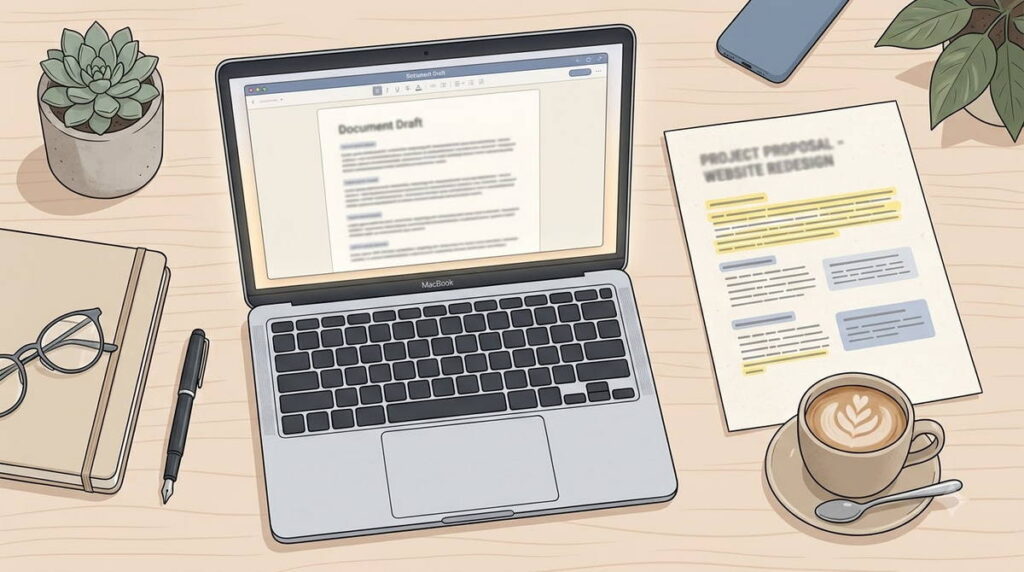
Proposals and contracts are prime candidates for automation. The format barely changes from client to client. Only the details do. Scope, timeline, deliverables, payment terms, legal boilerplate: the shape stays fixed while the specifics shift every time. Generative AI tools are built for exactly this kind of pattern, a stable shell with variable content.
A marketing piece lives or dies on tone and originality. A proposal lives or dies on clarity and accuracy instead, a much lower bar for AI to clear. That’s also why this task tends to produce steadier results than something more open-ended, like a blog post written from scratch. Anyone weighing how to make money with AI tools, without restructuring their entire business, could do worse than starting here.
Drafting Proposals With AI: A Practical Workflow
Building a Base Template Worth Reusing
The biggest time saver isn’t asking AI to write a new proposal from scratch. It’s building one strong template, then letting AI adapt it per client. Feed ChatGPT or Claude a past proposal with the client details stripped out. Ask it to pull out the underlying structure: which sections you use, how you phrase scope, how pricing gets presented.
A freelance copywriter might use this to turn three old proposals into one reusable scope-and-pricing template. The client-specific language still gets written by hand, rather than trusted to AI on a first pass. A small design agency running higher volume might go further and build the template into a shared prompt the whole team uses. That keeps proposals from different account managers from reading like they came from three different companies.
Once the skeleton exists, each new proposal turns into an editing task instead of a writing task. That’s mostly where the time savings come from.
Without a strong past proposal to build from, start smaller. Ask ChatGPT or Claude for an outline based on a description of the typical project. Send it to two or three real clients before treating it as final. A follow-up question from a client reveals more about what’s missing than another round of self-editing ever will.
Personalizing Without Starting From Zero
Generic proposals lose deals, and the fix isn’t writing every proposal from scratch. It’s giving AI enough client-specific context that the output stops sounding templated. Discovery call notes, the client’s stated goals, a pain point mentioned offhand: feed AI any of that. The output reads as tailored rather than templated, even though the underlying structure hasn’t moved.
Most of the actual skill in this workflow lives in the input, not the prompt. A five-minute brain dump of call notes will consistently beat a one-line request like “write a proposal for a marketing client.” The AI simply has nothing client-specific to work with in the second case.
Editing for Tone Before It Goes Out
AI drafts tend to run long and lean more formal than how you’d actually talk to a client. A pass through Grammarly, or asking ChatGPT or Claude directly for a tone adjustment, usually fixes this in a few minutes. Skipping this step is the single most common reason an AI-assisted proposal reads as impersonal. It’s also the easiest one to fix.
Grammarly: Free tier available; Pro start at $30/month
Using AI for Contracts: Where the Rules Change
Contracts carry more risk than proposals, and the workflow should account for that difference. AI is still genuinely useful for drafting contract language. But a wrong clause costs more than an awkward sentence in a proposal ever will.
What AI Handles Well
Standard clauses are well-documented territory: payment terms, revision limits, cancellation policies, intellectual property transfer for straightforward work. AI tools draft reasonable first versions of these quickly. Platforms built specifically as AI freelance tools, like PandaDoc and Bonsai, now bundle this drafting capability directly into their templates, which cuts out a separate step entirely. General AI productivity tools work just as well here too, as long as you build the template yourself first.
The same applies to supporting documents that tend to get skipped under deadline pressure, like a short non-disclosure agreement or a scope-change addendum. Both follow fairly standard formats. Having one ready before a client asks avoids a scramble mid-project, and clients notice the difference between a freelancer who’s prepared and one who’s improvising.
PandaDoc: Free Tier available; Paid plan start $35/month.
Bonsai: Basic tier start at $15/user/month.
Reviewing a Contract a Client Sends You
Contracts do not only flow outward. Freelancers regularly receive one too, especially from agencies, larger companies with in-house legal templates, or platforms with standard vendor agreements. Reading an unfamiliar multi-page contract for the first time under deadline pressure is risky. A rushed read misses things that matter.
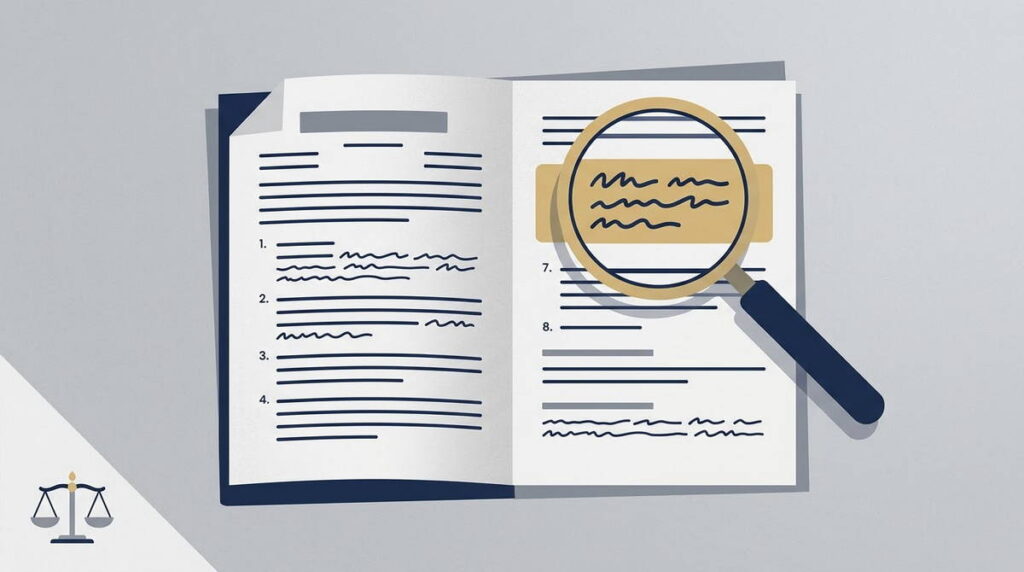
AI is genuinely useful for a first pass here. Paste the contract into ChatGPT or Claude and ask for a plain-language summary of what you are actually agreeing to. Payment timing, termination conditions, IP ownership, and liability caps are worth flagging first. So is anything that looks unusual next to a standard freelance agreement. It works through a ten-page document faster than a cold read, and catches structural issues a tired read misses. A termination clause on page seven, for instance, might let the client walk away without paying for work already underway.
The limitation here mirrors the drafting side. AI can flag a clause as unusual or client-favorable. It has no way of knowing whether that clause is a dealbreaker for you, or standard in that client’s industry. Treat its output as a list of things worth a closer look, not a verdict on whether to sign.
A Quick Note on Client Confidentiality
Every workflow described here involves feeding client information into a third-party AI tool. Discovery call notes, pricing details, sometimes an entire contract. That is worth a pause before it becomes automatic.
Check existing NDAs first. Some clients, especially larger companies, restrict where their information can be shared. Running it through a general AI tool without the right settings could technically breach that. Most major AI vendors offer a setting, or a paid tier, that opts your inputs out of model training. It is worth turning on for anything a client would consider sensitive. When in doubt, strip out names, dollar figures, and identifying details before pasting text in. Or just ask the client whether AI tools being part of your process is something they are comfortable with.
Where Legal Review Still Matters
AI shouldn’t be the last set of eyes on a contract, especially where real money, multi-year terms, or jurisdiction-specific liability language are involved. It doesn’t know your local contract law. It won’t reliably catch a clause that’s unenforceable in your region unless you explicitly ask it to check, and even then it can get this wrong. Treat AI-drafted contract language as a strong first draft, not a finished legal document.
For high-value or ongoing client relationships, a one-time lawyer review of the template is worth the cost. You’re paying to sanity-check the template once, not to have a lawyer review every individual deal. That keeps the economics reasonable even for a solo freelancer.
The Mistake That Undercuts Most AI-Assisted Proposals
The most common failure isn’t using AI badly. It’s publishing AI output without editing it at all. A proposal that reads as obviously AI-generated tends to share the same tells: repetitive sentence openers and vague value statements. Stock phrases like “leverage synergies” or “drive results” are generic enough to fit any client on earth. It tells the reader you didn’t spend real time on their specific situation, which undercuts the entire point of sending a proposal in the first place.
The second issue shows up less often but does more damage: treating AI as a source of truth for pricing or legal standards it doesn’t actually know. It can suggest a plausible pricing structure. But it has no idea what your regional market rate is, what your local regulations require, or what a specific client can genuinely afford. Those calls stay yours, and outsourcing them to a chatbot is where a workflow shortcut turns into a real business risk.
The Real Advantage Isn’t Speed, It’s Consistency
Speed is the most obvious benefit, but it’s not the most valuable one. The bigger win is consistency. A proposal structure holds up regardless of how rushed the week has been. A contract reliably includes the clauses you actually need, instead of whatever you remembered to add last time.
That consistency compounds. A freelancer sending three proposals a month notices the time savings first. A small agency sending fifteen notices something different: the gap between documents that look rushed and inconsistent, and a standardized system that still leaves room for real personalization. AI’s contribution here is less about the writing itself and more about holding a standard steady as volume increases. That gets harder to do by hand as client load grows.
There’s a trust angle too, and it’s easy to underrate. A client who gets a scattered proposal one month and a polished one the next notices, even if they couldn’t explain exactly what changed. Consistency in the paperwork reads as a proxy for consistency in the actual work, fair or not.
Limitations and Realistic Expectations
AI will not improve your win rate by itself. A well-written proposal at the wrong price, or for the wrong client, still loses. No drafting tool changes that math. What actually shifts is production time and consistency, not outcomes.
Legal expertise is the bigger limitation. Standard freelance contracts are reasonably safe territory. Retainer agreements with unusual terms, anything touching intellectual property disputes, or contracts spanning multiple jurisdictions deserve professional review before they go out. Tax treatment, currency terms, and dispute resolution clauses all vary by country. AI generally has no reliable way to tell you which version applies to a specific pair of countries. Freelancers working across borders regularly should treat legal review as part of the template process, not an optional extra added later.
There’s also a break-in period worth planning for. The first few proposals built this way take longer than expected, since building the template and figuring out what context AI needs happen at the same time. The time savings tend to show up around the fifth proposal, not the first.
One more caveat worth flagging: AI writing tools and contract platforms update their features often, sometimes every few months. Treat the specific tools named in this piece as workflow examples, not a fixed toolkit. Check each platform’s current documentation before locking in a permanent process around one.
How to Build This Into Your Weekly Workflow
Getting real benefit from AI on proposals and contracts has less to do with which tool you pick. It has more to do with setting up a process you’ll actually repeat:
- Build one proposal template and one contract template, then have AI extract the reusable structure from documents you’ve already sent.
- Create a short brief format for capturing client details right after a discovery call, while the context is still fresh.
- Use AI for the first draft only, then edit for tone and strip out anything that reads as generic.
- Get a one-time legal review of the contract template instead of reviewing every individual contract.
- Track which proposals convert, and adjust the template based on what’s actually working rather than what feels polished.
None of this needs advanced prompting or a paid subscription beyond what most freelancers already have. What it needs is treating the templates as living documents that improve with each client, rather than one-off tasks solved fresh every time. That shift, from writing each proposal from scratch to refining a system, is what actually decides whether AI saves meaningful time or becomes one more tool competing for attention.
Also read 10 Business Tasks You Can Automate with AI This Week, How Small Businesses Can Use AI for Content Marketing in 2026, AI Tools for Consultants: A Practical Guide to What Works in 2026 & How to Start Freelancing with AI Tools in 2026